 instagram.com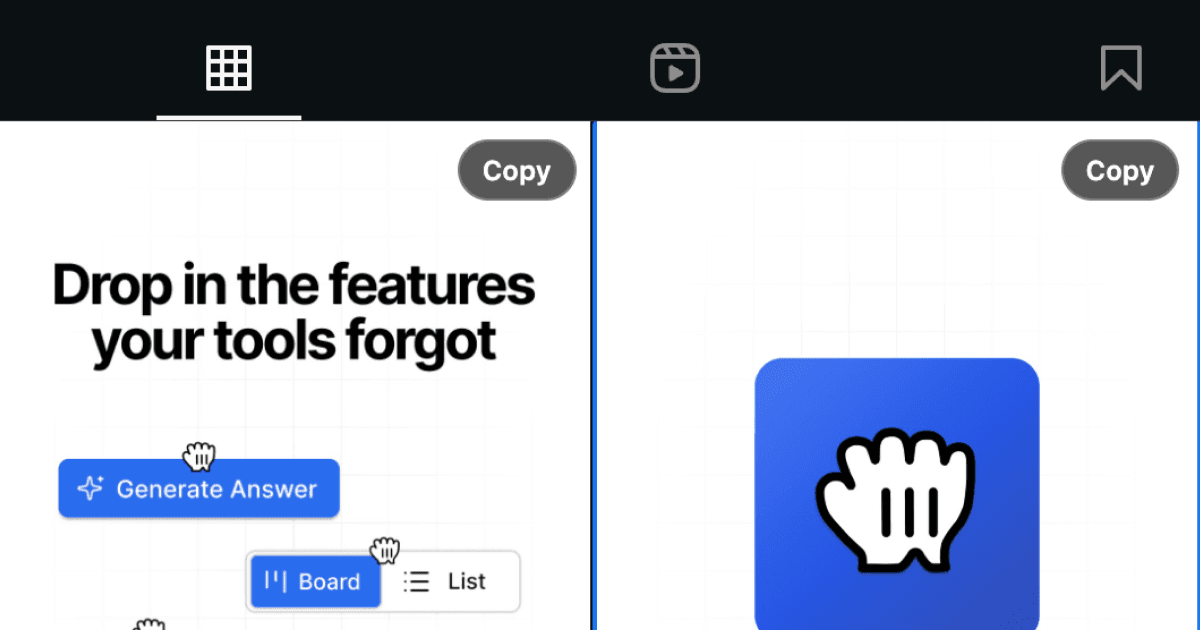
Instagram makes it easy to view photos, but copying an image for a presentation, mood board, or quick share means taking a screenshot or opening the image in a new tab and saving it. This Drop in adds a copy button directly to images so you can copy them to your clipboard in one click.
The button appears when you hover over or interact with an image, and clicking it copies the full-quality image to your system clipboard. From there, you can paste it into Figma, Slack, email, or any other app without extra steps.
Useful when you are building creative references, sharing inspiration with teammates, or just want to save something without cluttering your downloads folder. The workflow feels native and saves you from right-click menus and unnecessary file management.
Good to Know
- Copies the image as displayed in your browser
- Works with most standard image formats
- Doesn't require API credits
Best Use Cases
- Building mood boards or design references
- Sharing images in Slack or email quickly
- Copying product photos for comparisons
- Saving inspiration without downloading files
- Pasting images directly into design tools