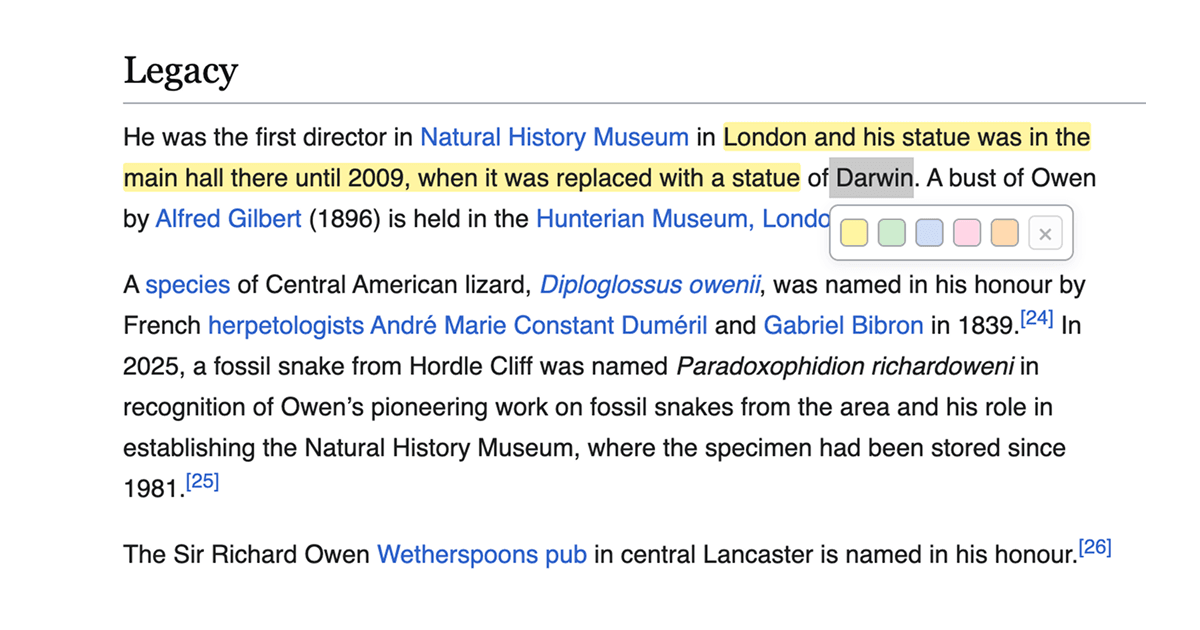
Passive reading feels productive, but you only know what stuck when you try to recall it. You finish a long Wikipedia article, close the tab, and realize you can barely summarize what you just read. The information was there, but it didn't land.
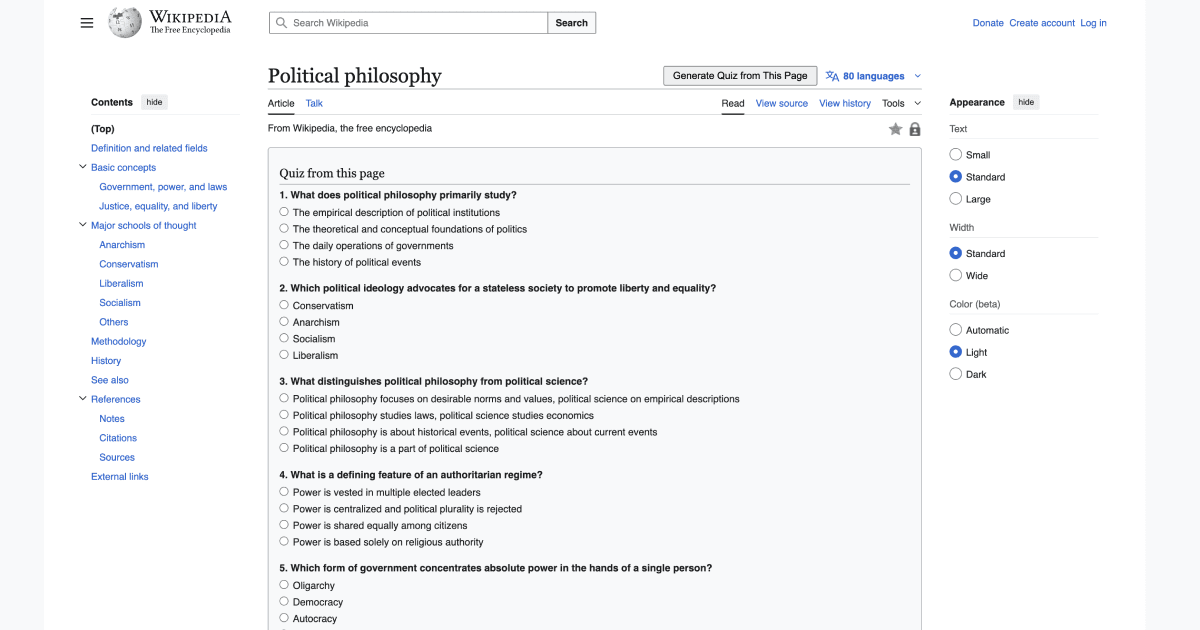
This Drop adds a "Generate Quiz" button that turns the page you are on into a quick multiple choice quiz while the context is still fresh. It pulls key facts and definitions into short questions, then makes it obvious what you missed so you can reread the right section instead of starting over.
Best used right after reading, while the content is still in front of you. Even a three-question quiz forces you to actively recall instead of passively scanning, and that alone makes a big difference in how much you retain.
Good to Know
- Requires API credits
- Generated questions can simplify or miss nuance; use it as practice, not grading
Best Use Cases
- Studying and exam prep
- Deep dives and review
- Turning passive reading into active learning
- Learning sprints when time is tight