Busy Slack threads often do not need a novel response. They need a fast, clear acknowledgement. But even a two-line reply takes mental effort when you are bouncing between fifteen threads and trying to stay focused on actual work. The typing is quick, the context-switching is what slows you down.
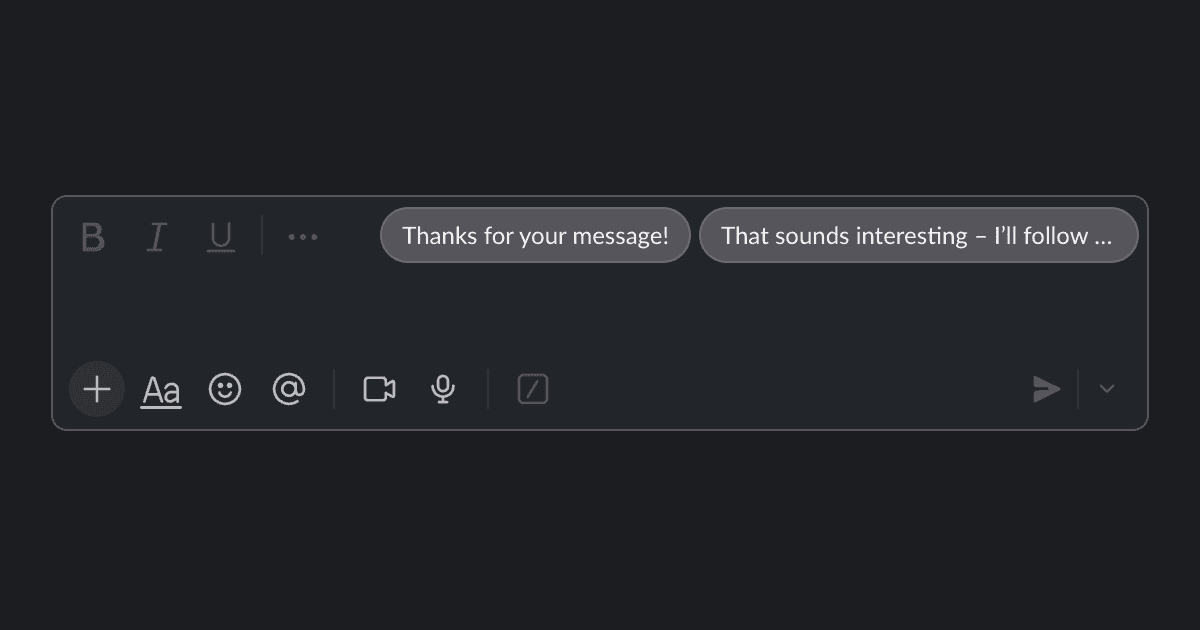
This Drop adds a small row of suggested replies above the Slack message box, based on the latest message in the thread. Click a suggestion to insert it, tweak the wording if you want, then send. It handles the routine parts of chat so you can save your attention for conversations that actually need thought.
Particularly helpful for support teams, managers, and anyone who sends similar acknowledgments dozens of times a day. You stay in control of every message, but you skip the blank-textbox hesitation.
Good to Know
- Requires API credits
- Suggestions are only starting points; always review before sending
Best Use Cases
- Faster replies with a consistent tone
- Common acknowledgements and quick decisions
- Scheduling and coordination messages
- Busy teams that live in chat