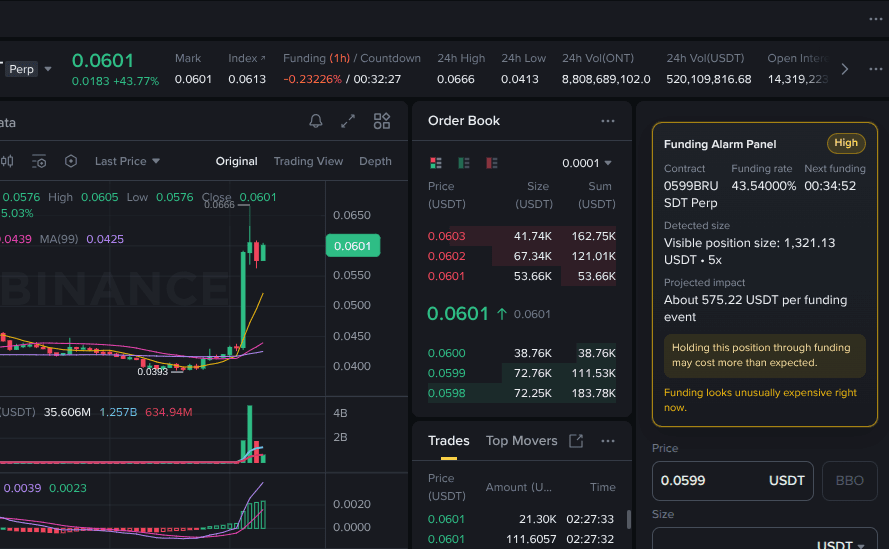
Reading charts is part of every trading session, but sometimes you want a second opinion on what you are seeing. Is that a double bottom forming? What does the RSI divergence suggest here? Normally you would screenshot the chart and paste it into a chat or search for analysis elsewhere. That breaks your flow and takes time.
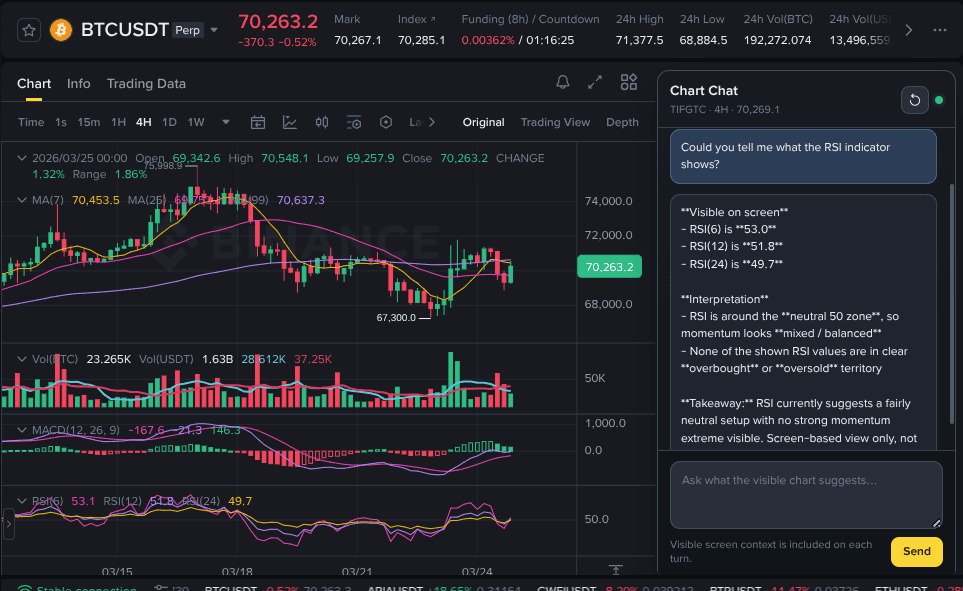
This Drop adds a compact "Chart Chat" sidebar to Binance chart pages. It reads the current trading pair, timeframe, price, visible indicators, and chart action directly from your screen. Type a question and it responds with concise, screen-based guidance about what you are looking at. Follow-up questions stay in context so the conversation builds on previous answers.
The sidebar stays visible as you switch between pairs or timeframes, updating its understanding of what is on screen. Every response includes a brief not-financial-advice disclaimer to keep things clear.
Good to Know
- Sidebar appears on Binance chart pages and stays visible while trading
- Reads the trading pair, timeframe, price, and indicators from the current screen
- Supports follow-up questions with conversation context
- Includes a not-financial-advice disclaimer on responses
- Does not require API credits
Best Use Cases
- Getting a quick read on what a chart pattern might indicate
- Asking about indicator signals without leaving the chart
- Learning what specific chart formations typically mean
- Having a second set of eyes during active trading sessions
- Understanding unfamiliar indicators visible on the chart