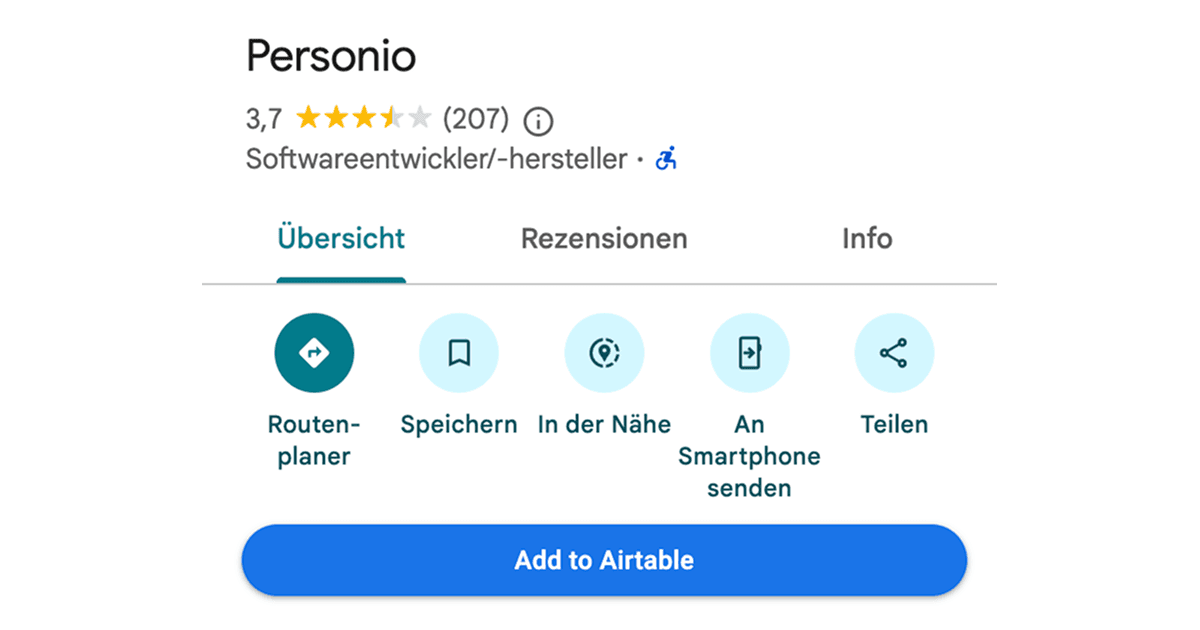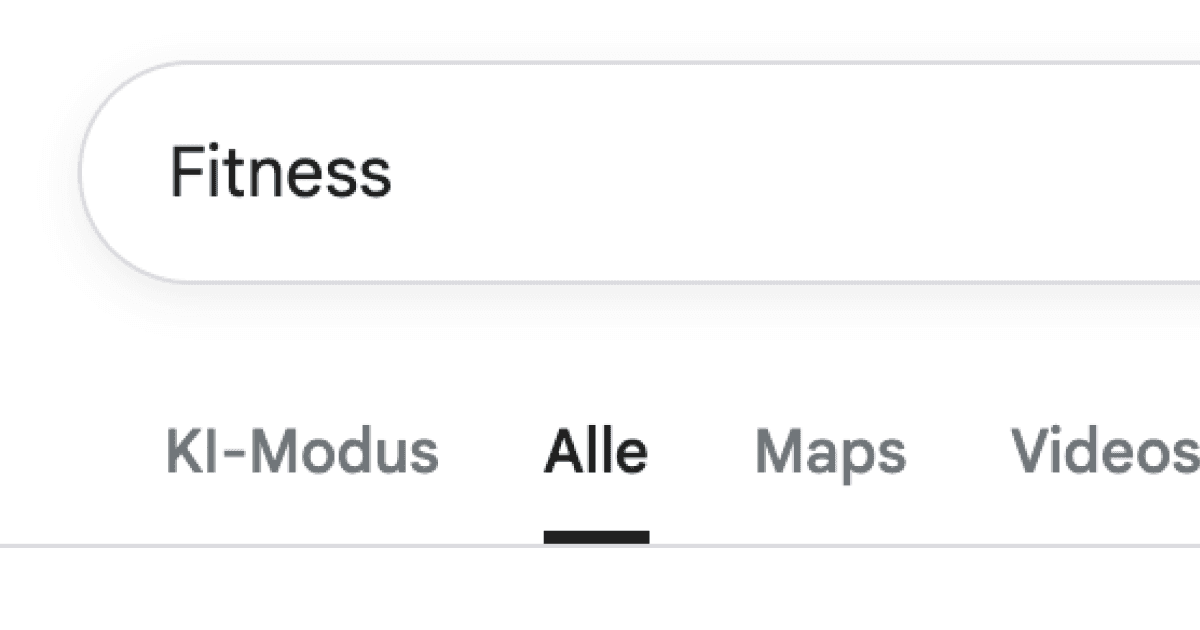
Google layouts change constantly, and the path from search results to Maps can be surprisingly slow when you are in a hurry. This Drop in adds a dedicated Maps button right in the results header, carrying your exact query across. Click once to jump into map view and keep browsing nearby places without retyping.
It is a small UI shortcut, but it removes a lot of friction when you are repeatedly bouncing between web results and map view for the same search.
Useful for local searches where you want to compare web results (reviews, menus) with map view (distance, hours) quickly.
Good to Know
- Doesn’t change your search results, only the navigation
- Doesn’t require API credits
Best Use Cases
- Quickly checking locations and hours
- Planning nearby options
- Comparing places without retyping
- Keeping context without extra tabs