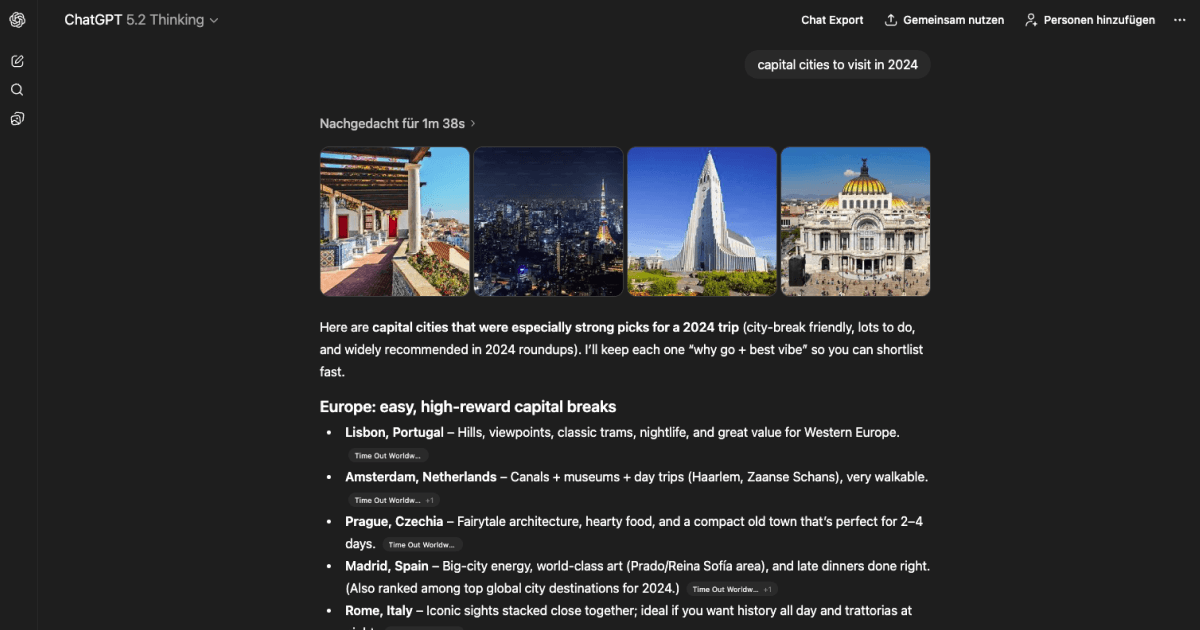
ChatGPT threads often contain the “final answer” you want to reference later: drafts, troubleshooting steps, specs, and decisions. This Drop in adds an Export chat button near the Share control so saving a conversation feels native.
The export is a clean JSON file that keeps the conversation in order, so you can archive it, search it later, or pipe it into your own notes workflow.
The JSON format works well with note apps like Obsidian and Notion, or you can pipe it into scripts for search and analysis.
Good to Know
- Exports what is present in the current conversation view at the time you click Export
- Doesn’t require API credits
Best Use Cases
- Saving important conversations
- Building a searchable archive
- Moving chats into your own notes workflow
- Sharing context in a doc or ticket