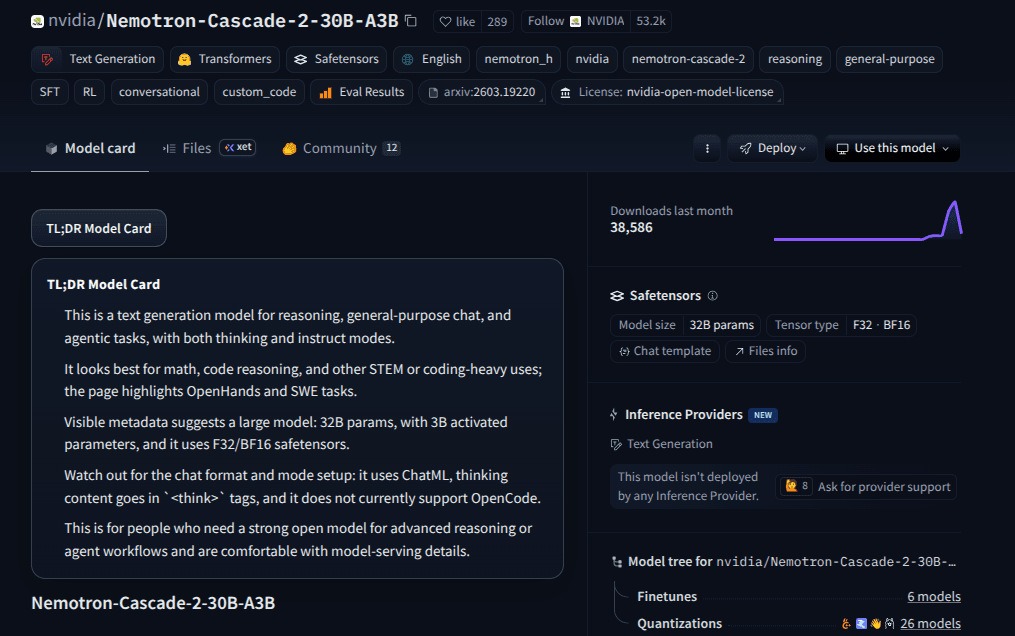
Finding the right dataset on Hugging Face means clicking through dozens of pages, reading descriptions that range from thorough to nonexistent, and mentally mapping each one to your actual task. It is slow work, especially when you are not sure what you are looking for yet.
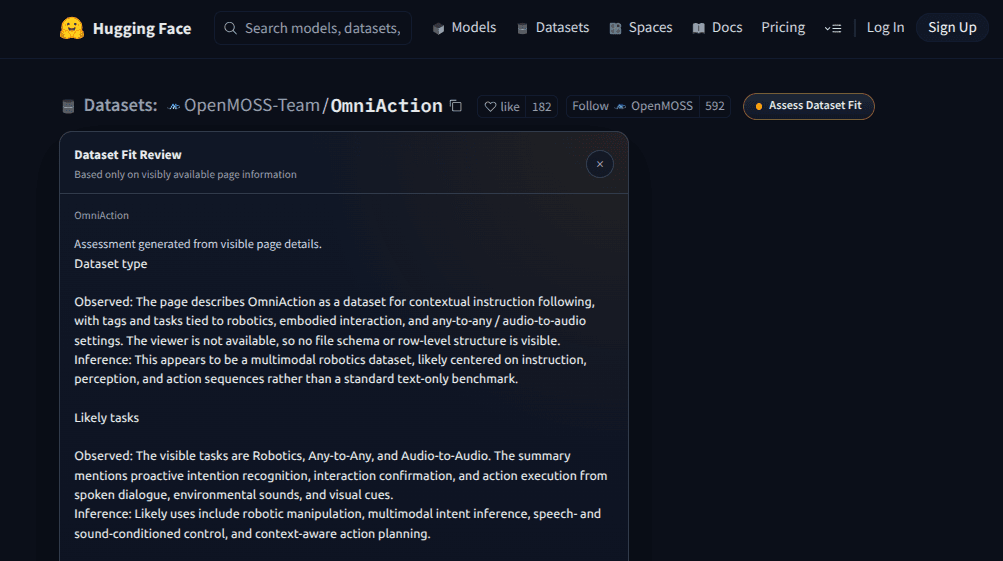
This Drop adds an "Assess Dataset Fit" button near the dataset title on any Hugging Face dataset page. Click it and a compact review panel opens, summarizing the dataset type, the tasks it is likely suited for, visible metadata, best-fit use cases, and practical ways to use it. The panel uses a dark theme that fits the Hugging Face interface.
Everything is based on what is visible on the page: the title, tags, description, and any metadata shown in the sidebar. The summary helps you decide in seconds whether a dataset is worth exploring further or if you should keep looking.
Good to Know
- Button appears near the dataset title on Hugging Face dataset pages
- Opens a compact dark-themed review panel
- Summarizes dataset type, likely tasks, metadata, use cases, and practical tips
- Uses only visible page signals, not downloaded data
- Does not require API credits
Best Use Cases
- Quickly filtering datasets during a project research phase
- Understanding what a dataset is for without reading the full documentation
- Comparing multiple datasets for the same task
- Identifying whether a dataset fits your specific use case before downloading
- Scanning trending or recently updated datasets on Hugging Face