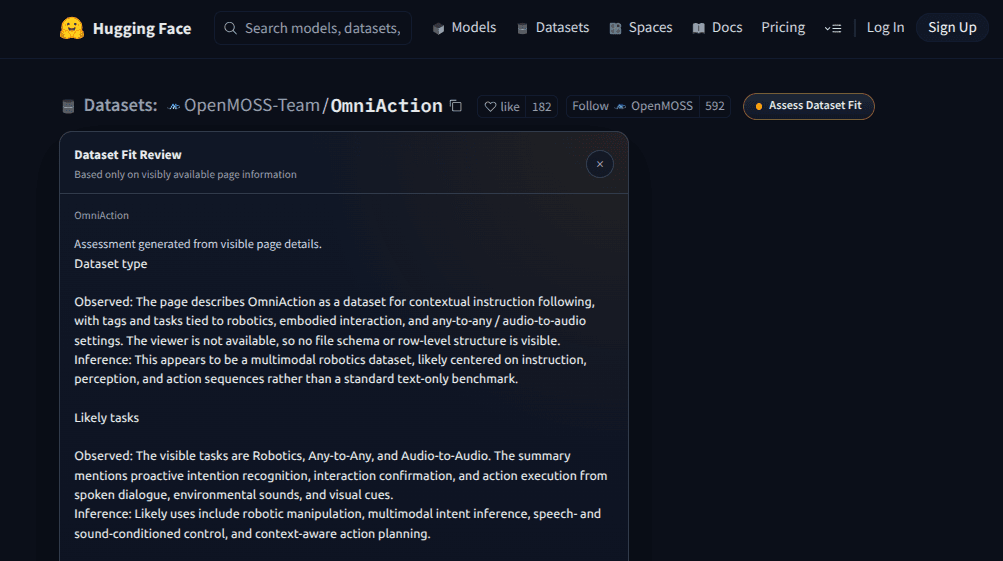
Hugging Face has thousands of models and most model cards are either too long, too sparse, or written for a very specific audience. When you are browsing through options for a project, reading every section of every card is not realistic. You end up skimming, guessing, or opening too many tabs.
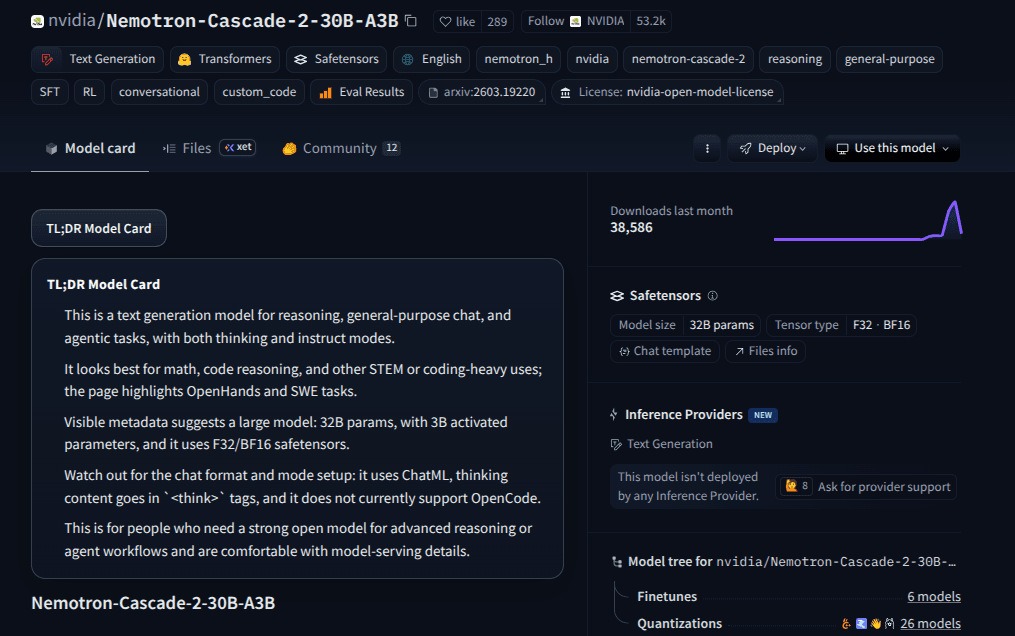
This Drop adds a "TL;DR Model Card" button to Hugging Face model pages. Click it and it reads the page's model title, tags, description, model card content, and other visible metadata, then generates a practical summary. The summary covers what the model does, its likely use cases, size and complexity, cautions, and who it is best suited for.
The summary is generated only when you click the button, so it does not slow down your browsing. It gives you enough information to decide whether a model is worth investigating further or if you should move on to the next one.
Good to Know
- Button appears on Hugging Face model pages near the title
- Reads only visible page content: title, tags, description, and model card
- Summary covers purpose, use cases, size, cautions, and target audience
- Generated on click, not automatically on page load
- Does not require API credits
Best Use Cases
- Quickly evaluating models during a research or selection phase
- Comparing multiple models without reading full documentation for each
- Getting a plain-language overview of a model you are unfamiliar with
- Identifying potential limitations or cautions before downloading
- Scanning new models on the Hugging Face trending page