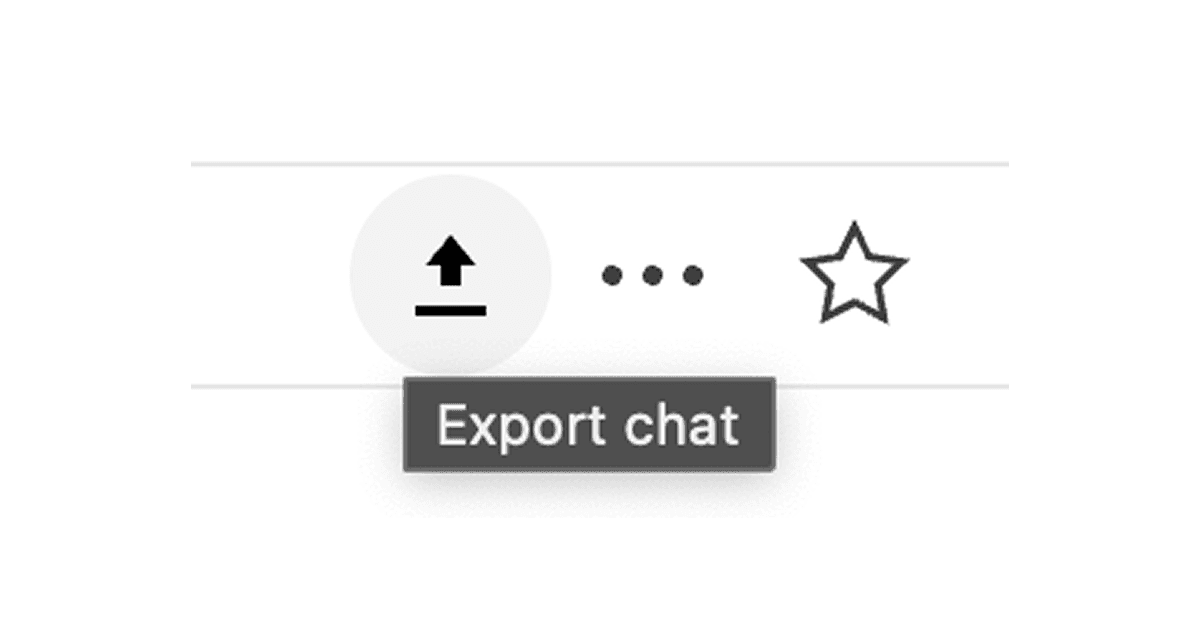
Important conversations happen in LinkedIn messages: recruiting threads, partnership discussions, job negotiations. But there is no built-in way to save them outside the platform. This Drop in adds an Export chat button to the message thread action menu so you can download the conversation as a JSON file.
The export includes sender names, message text, and timestamps in a clean format that is easy to search, archive, or paste into your notes. Use it to capture context before a conversation goes stale or to back up threads you might need later.
Useful before job offers, partnership decisions, or any thread where you might need to reference what was said later.
Good to Know
- The export reflects messages loaded in your browser at the time you click Export
- Media attachments and reactions may not be included
- Doesn't require API credits
Best Use Cases
- Archiving recruiting or job conversations
- Saving partnership or sales discussions
- Moving context into a CRM or notes app
- Backing up threads before they get buried
- Sharing conversation context with teammates