Evaluating YouTube channels for sponsorships means comparing their actual reach against your budget. The problem is that recent uploads often have inflated or deflated view counts depending on how fresh they are. You need views that have had time to settle, and you need a quick way to plug in your own price to see if the numbers work.
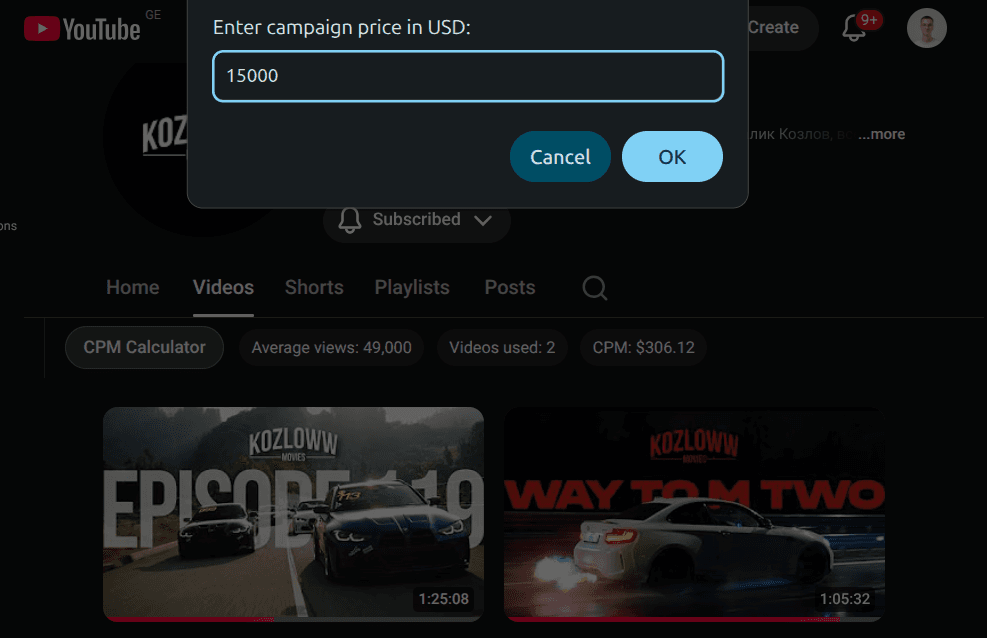
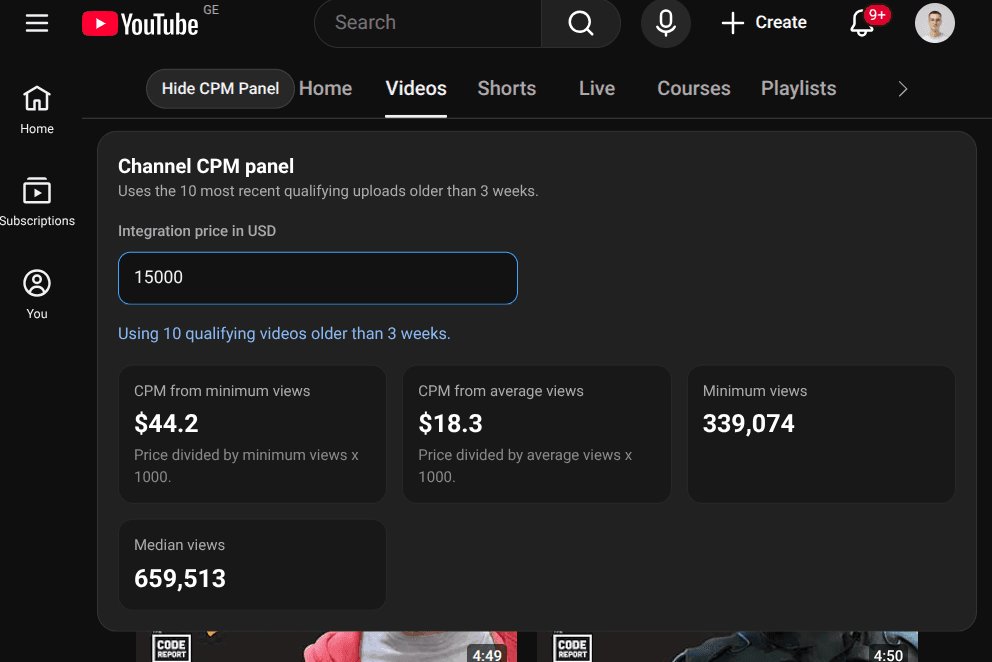
This Drop adds a button near the YouTube channel tabs that opens a compact CPM panel. Unlike a simple calculator, it filters for videos older than three weeks so the view counts have stabilized. You enter your integration price, and the panel shows CPM results based on both the minimum and average views from those settled videos. That gives you a realistic range instead of a single optimistic number.
The panel handles loading states, missing data, and cases where no qualifying videos are found. If the channel does not have enough older videos to calculate from, you get a clear message instead of misleading results.
Good to Know
- Button appears near the YouTube channel tabs, blending with the native layout
- Only uses video views from uploads older than three weeks for more stable data
- Lets you enter a custom integration price to calculate CPM against
- Shows both minimum-view and average-view CPM for a realistic cost range
- Handles edge cases like missing data or no qualifying videos gracefully
- Does not require API credits
Best Use Cases
- Getting a realistic CPM estimate that accounts for view count stabilization
- Comparing sponsorship value across multiple channels with the same budget
- Running quick cost checks before reaching out to creators
- Building a shortlist of channels that fit your CPM target
- Validating whether a channel's asking price is reasonable based on actual reach