 Available on the Chrome Web Store
A Chrome Extension to Add Features to Any App
Drop in is a Chrome extension that lets you add custom features, workflows, and integrations to any website. Just describe what you need.
What you can build
One extension, endless features
Drop in turns your Chrome browser into a platform for building exactly the features your tools are missing.
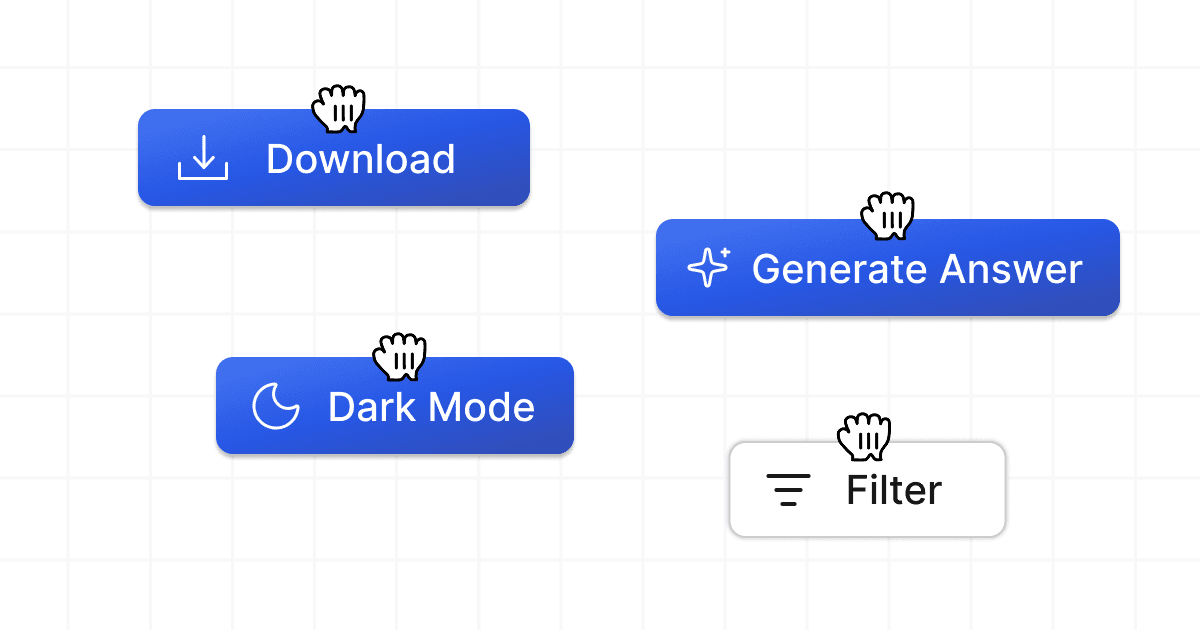
Custom Buttons & Panels
Add buttons, sidebars, and info panels directly inside the web apps you already use. Describe what you want and the extension creates it.
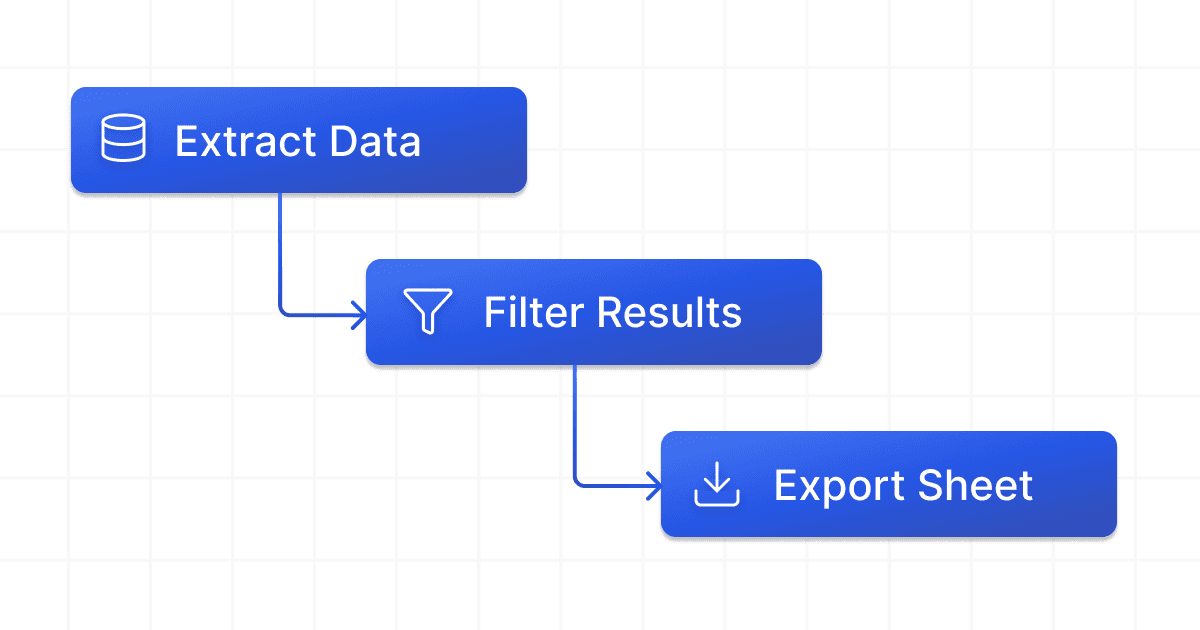
Smart Workflows
Automate repetitive steps across pages. Extract data, fill forms, or trigger actions, all from a single click inside your browser.
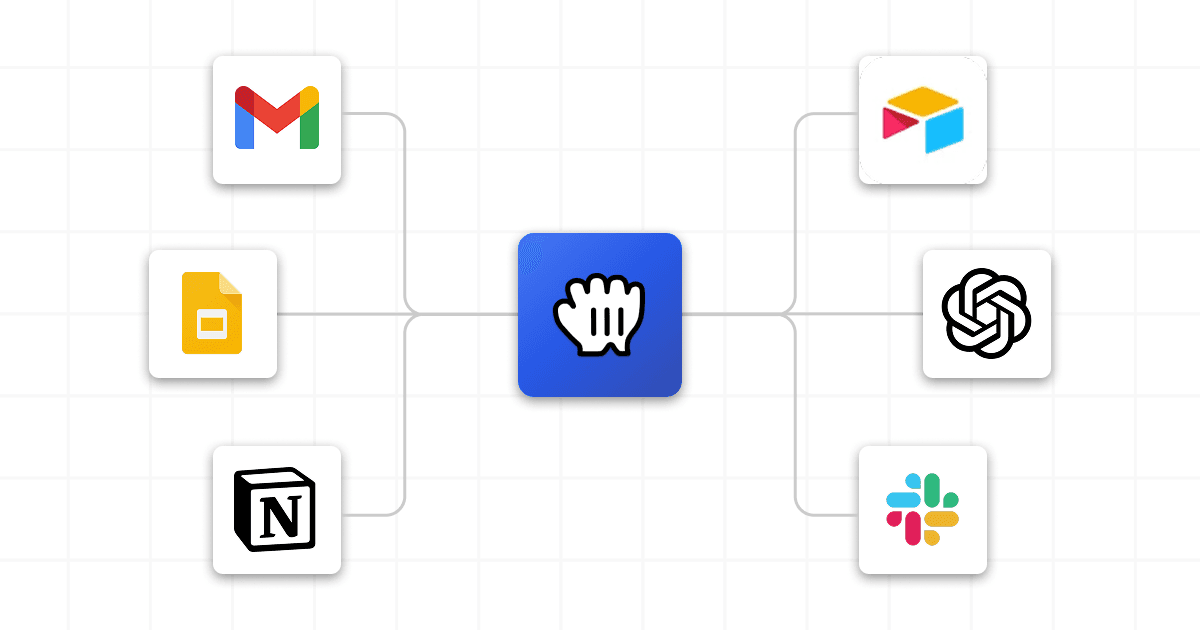
App Integrations
Connect your web apps to tools like HubSpot, Slack, and Google Sheets without leaving the page. The extension handles the wiring.
How it works
Simply explain what you need
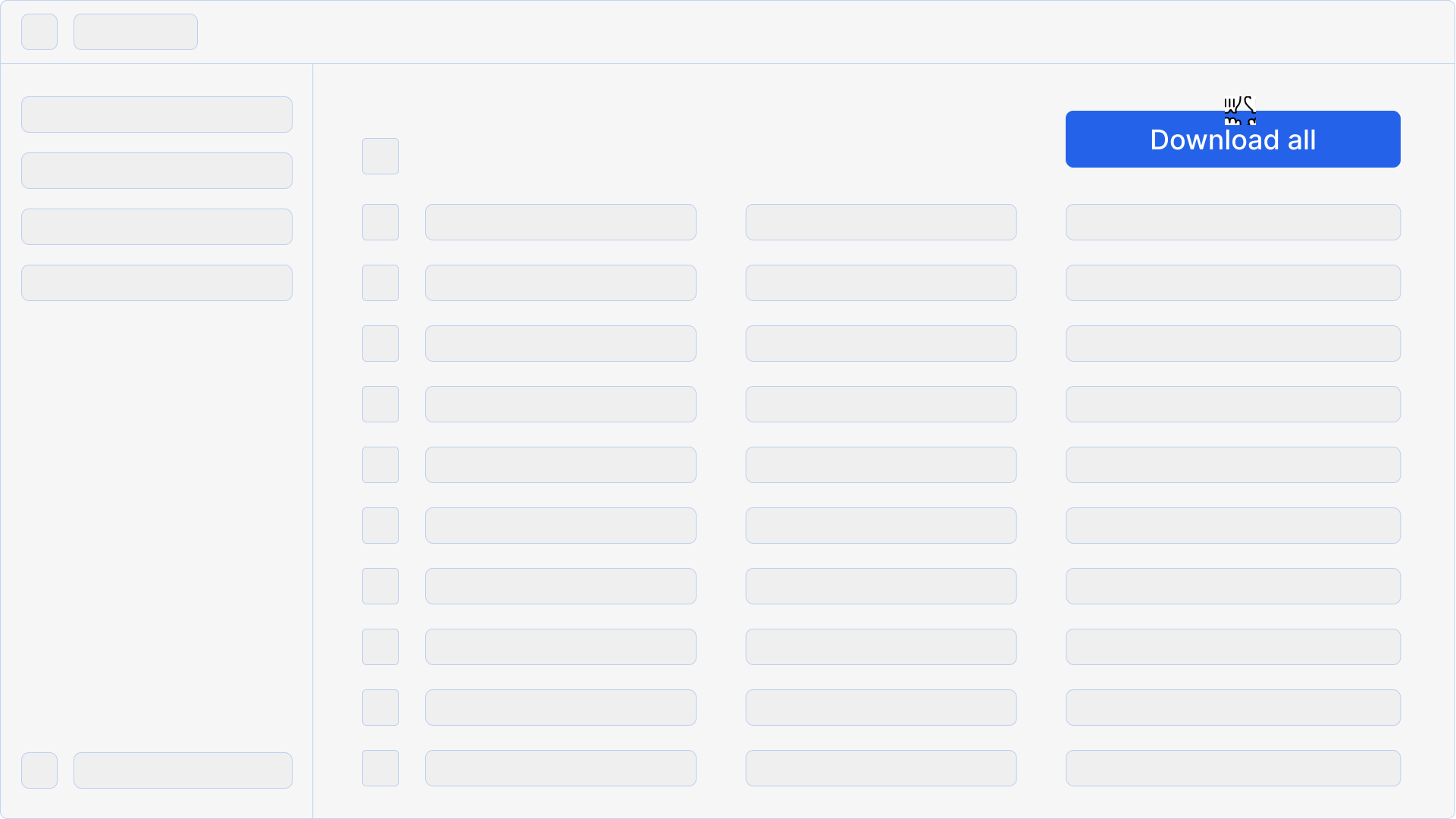
Use Cases
Built for real workflows
Just describe what you need, and watch it appear in your favorite apps.
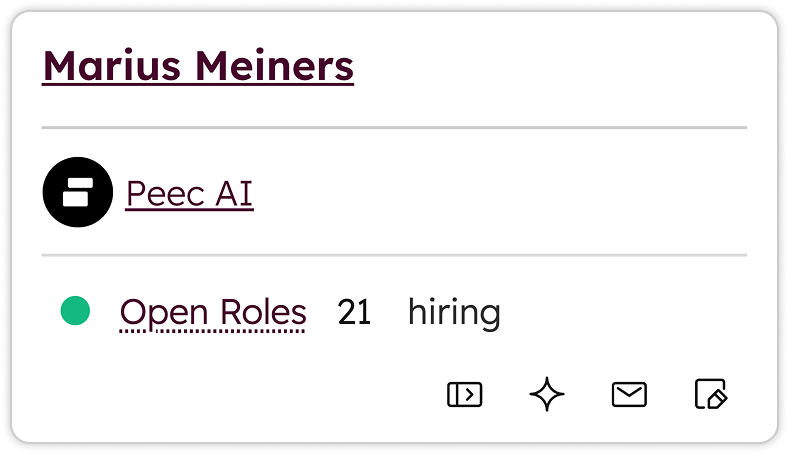
Open Roles inside HubSpot
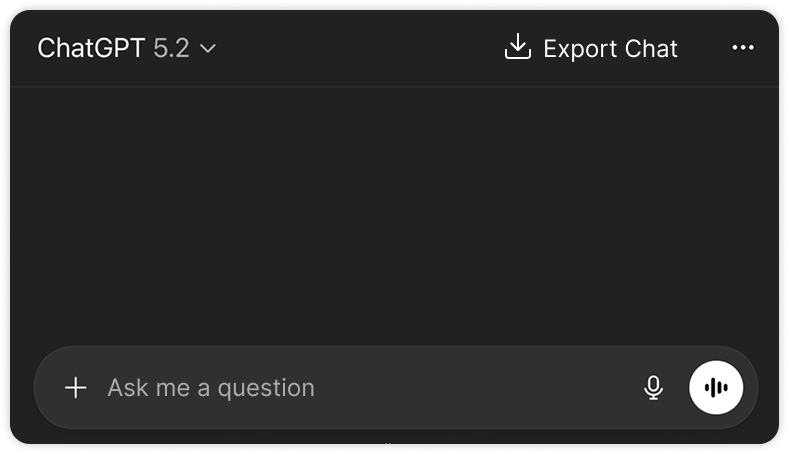
Export GPT Conversations
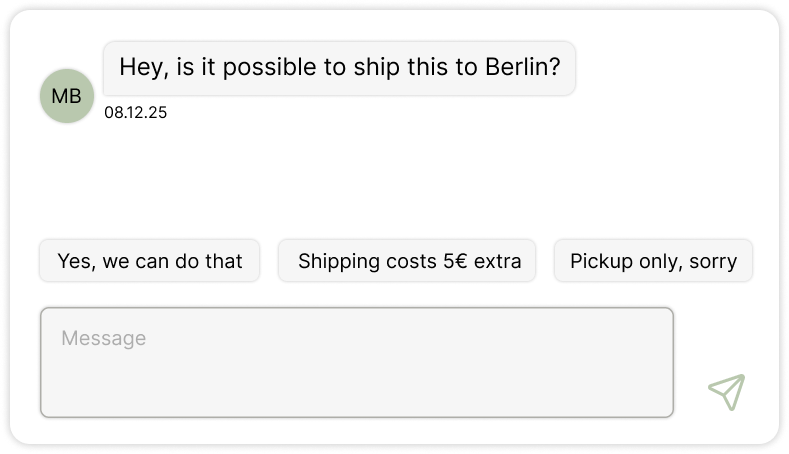
Quick Reply Suggestions
Examples
See what's possible
Ready-to-use examples across sales, support, and productivity tools.
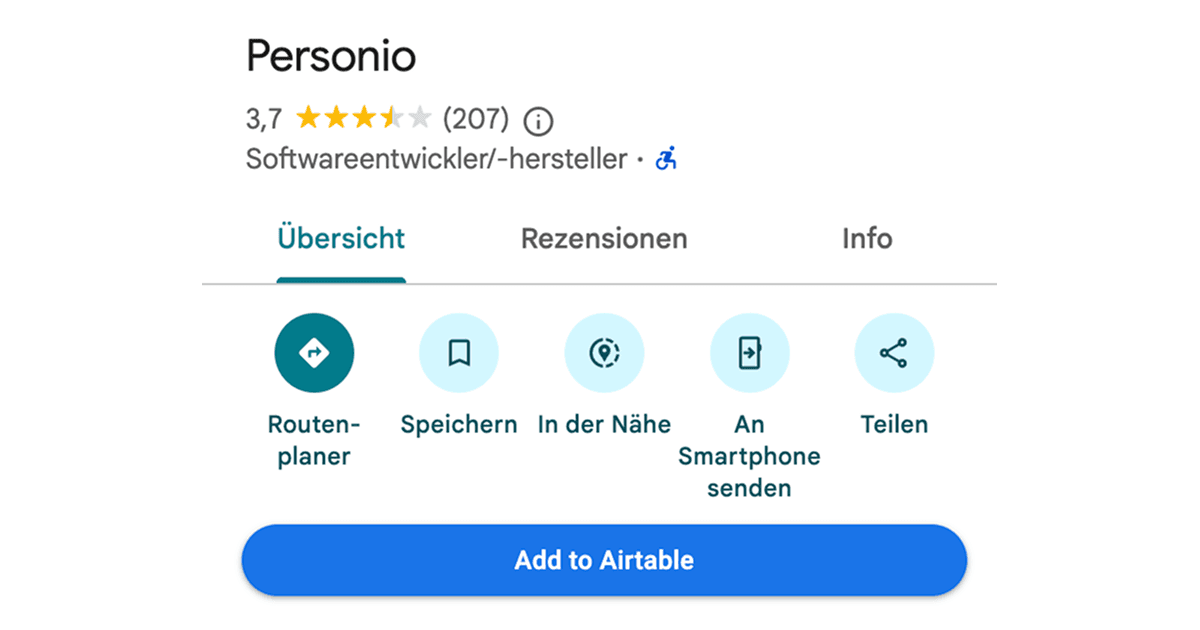
Google Maps Lead Collector
Adds a full-width button to Google Maps profiles that captures business details and sends them to Airtable.
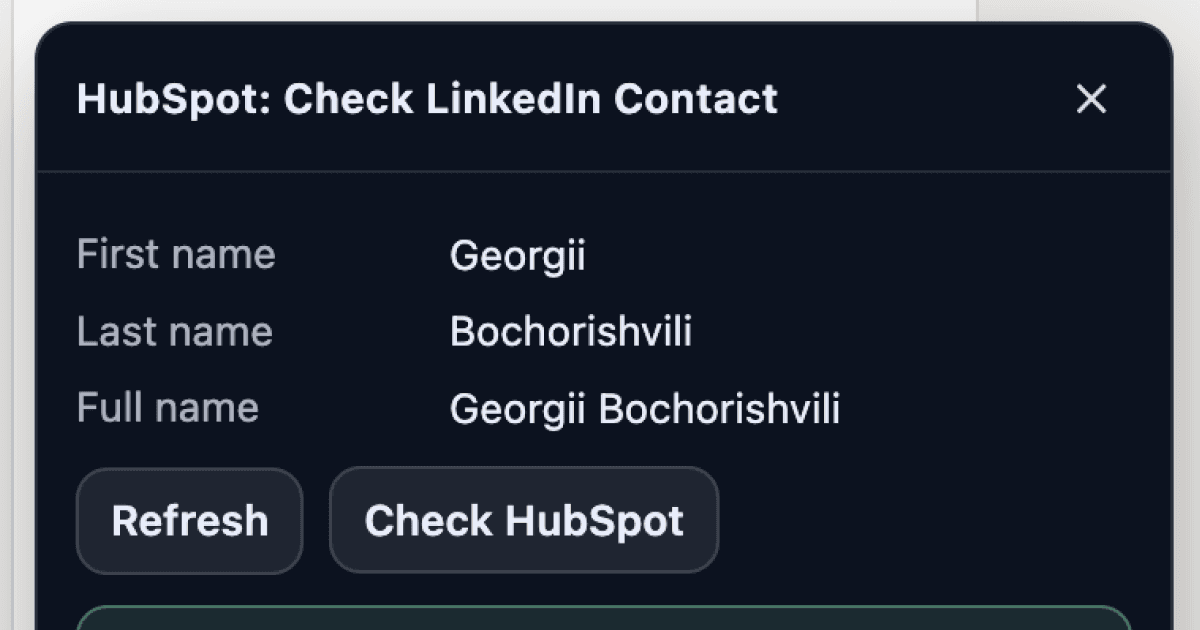
LinkedIn HubSpot Lookup
Adds a button to LinkedIn profiles that checks if the person exists in your HubSpot contacts and shows their details.
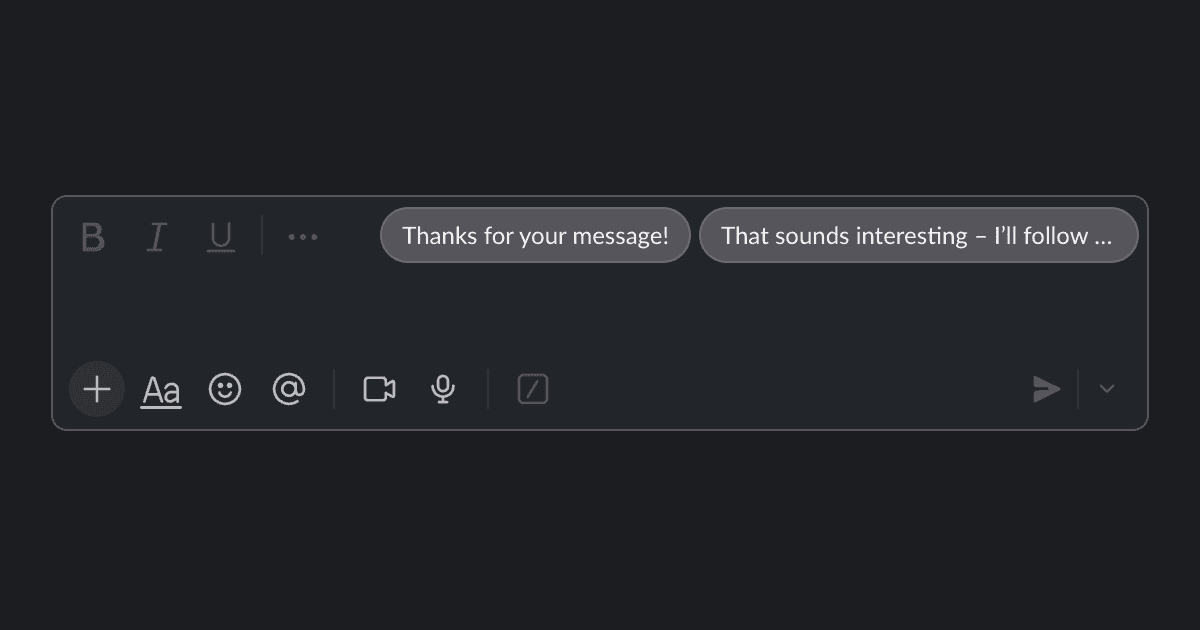
Slack Smart Reply Buttons
Show ready-to-click reply suggestions in Slack so you can respond faster with consistent wording. Insert, then edit.
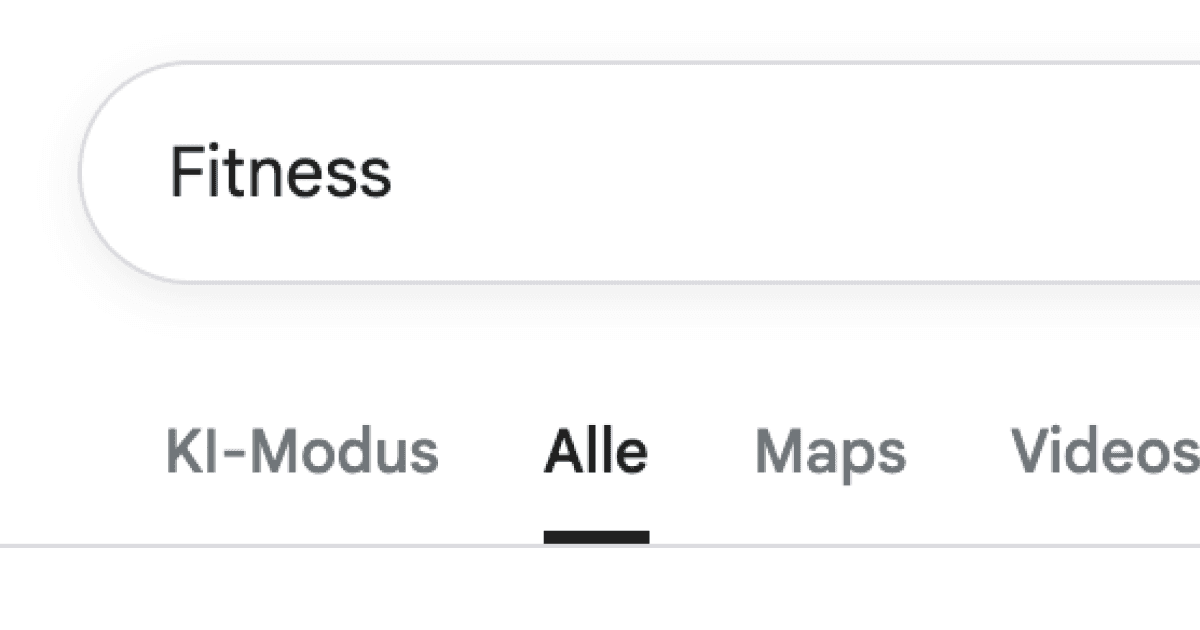
Add Maps Tab to Google
Jump from Google results to Maps instantly with a dedicated Maps button that carries your current query across.
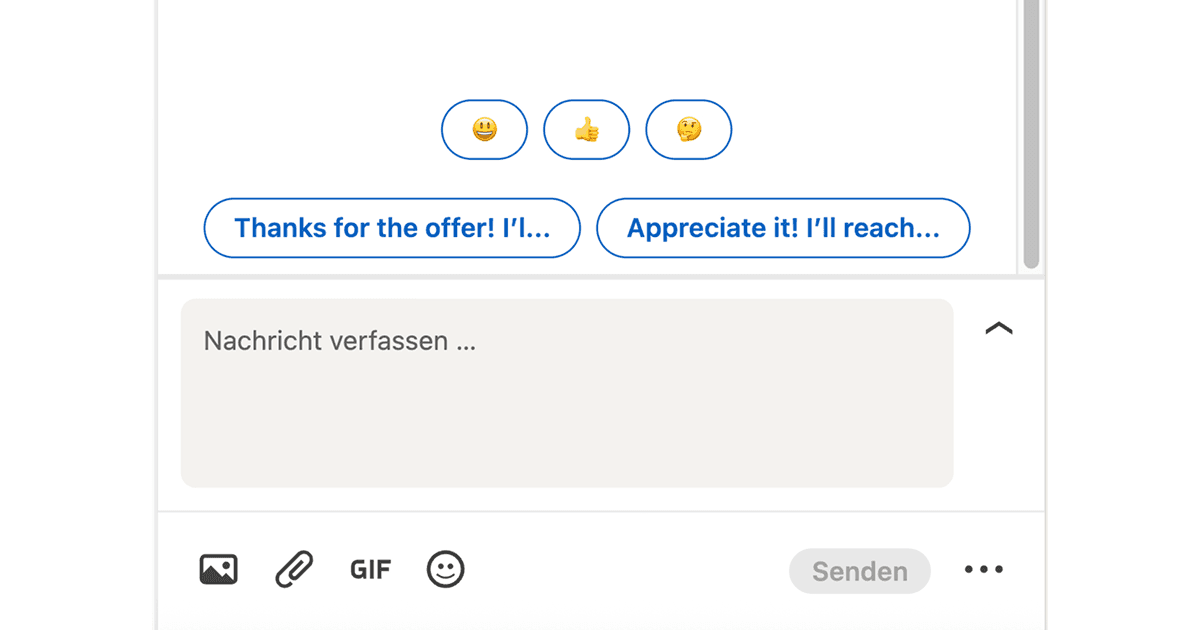
LinkedIn Smart Reply
Get quick reply suggestions for your LinkedIn messages. Click to insert, tweak the wording, and send.
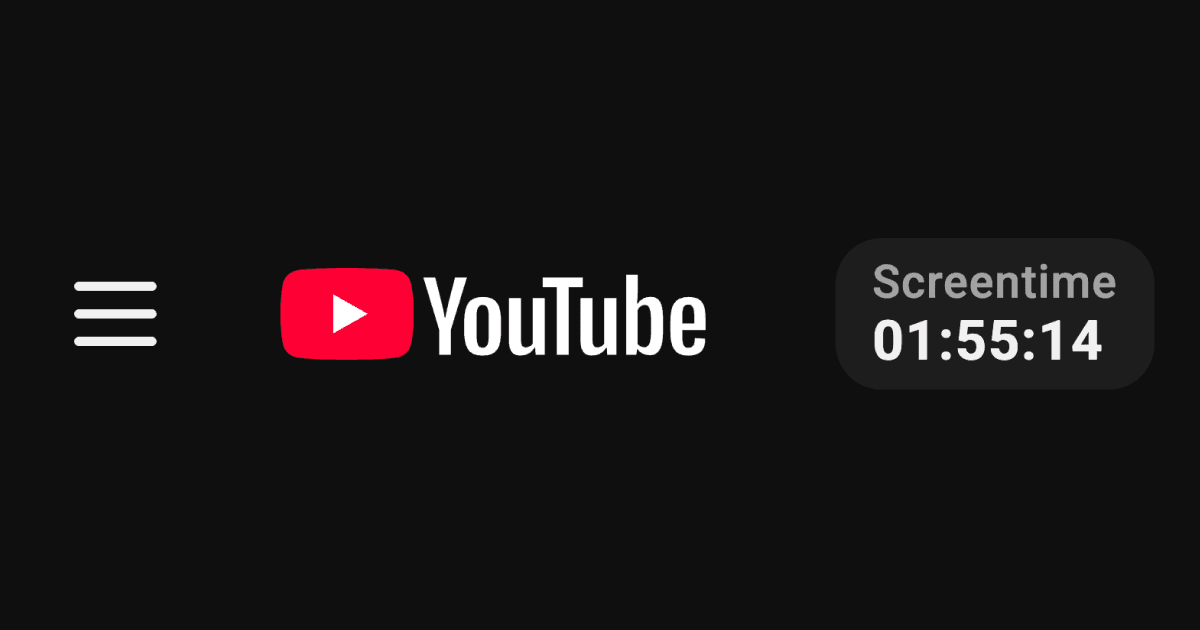
YouTube Watch Time
Displays a timer showing how much time you have spent watching YouTube today to track your screen time.
FAQ
Chrome extension questions
Drop in is a Chrome extension that lets you add custom buttons, panels, workflows, and integrations directly into any web app you use. Describe what you need in plain language and the extension builds it for you.
Click "Add to Chrome" on the Chrome Web Store page. The extension installs in seconds and appears as a side panel in your browser. No configuration or developer tools required.
Yes, Drop in is free to try. You get credits to create features when you sign up. Paid plans unlock higher limits and team features.
Drop in works on any website you can open in Chrome. It's especially popular on tools like LinkedIn, HubSpot, ChatGPT, Google Maps, and Gmail, but it works everywhere.
Drop in only reads page content when a feature requires it. Data stays local unless a feature explicitly calls an external service. You can review and control what each feature accesses.
Yes. Features you create can be shared with teammates so everyone gets the same UI improvements and workflows across the tools you use together.
Ready to try the extension?
Install Drop in from the Chrome Web Store and start building features in seconds.